



Tips for Hosting a Thrilling Halloween Movie Night
#News Center ·2026-10-23 21:55:32
A pumpkin lantern casts a warm glow next to a bowl of popcorn. The opening credits begin to roll, and one guest has already settled into the safest spot on the sofa. With just a few simple tweaks to your living space, a casual Halloween movie night transforms into a memorable, atmospheric event.
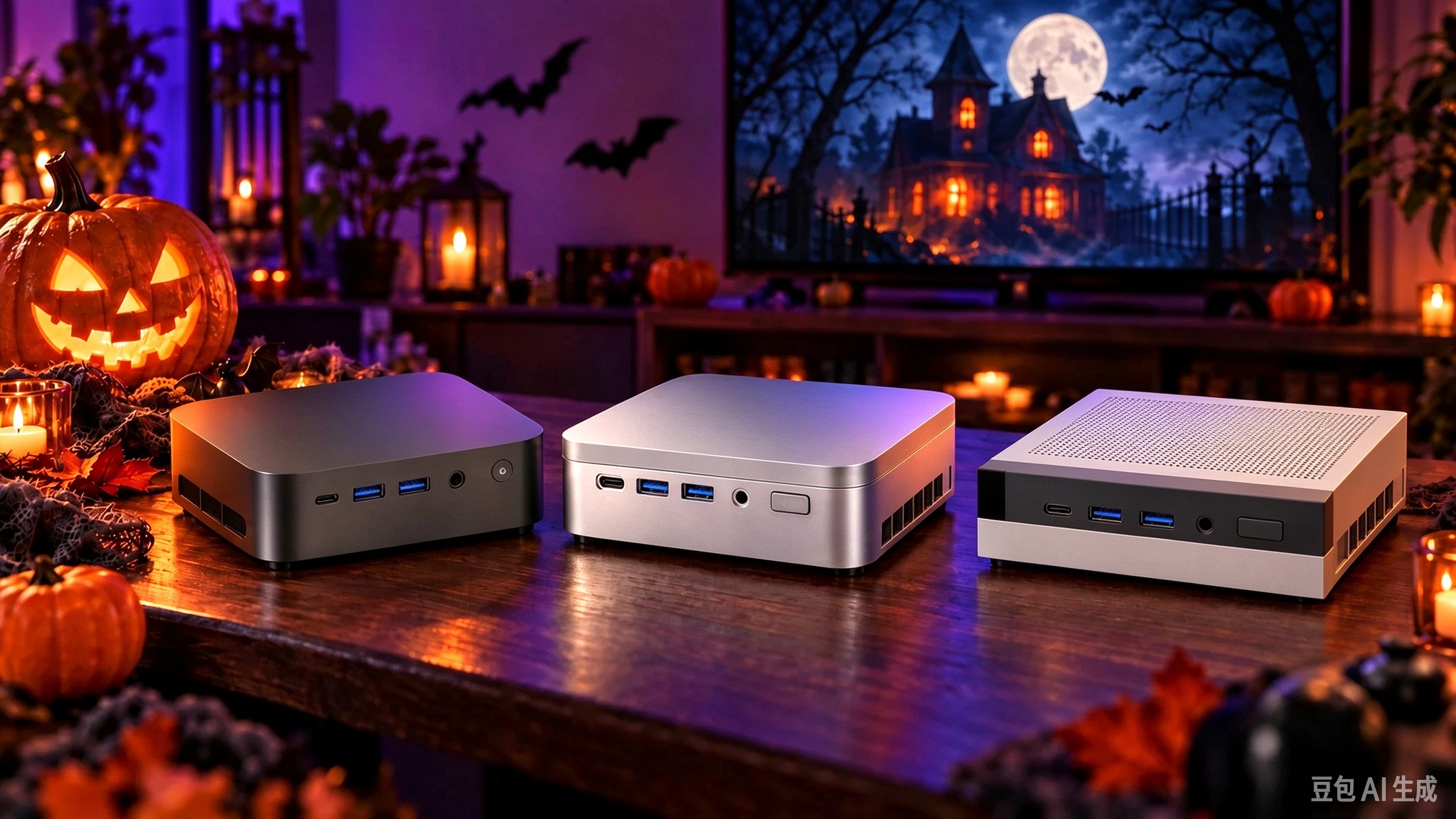
These Halloween movie night tips center around a Mini PC hooked up to your television or projector. Host a thrilling horror marathon, greet guests with eerie haunted window decor, and prepare a fun side game for anyone who stays late. Below we cover how to sort out your visuals, audio, and spooky finishing touches before the first movie starts.

Wondering how to curate your Halloween movie lineup? For Halloween 2026, shortlist two main films plus a backup option, instead of letting your group endlessly browse streaming libraries. Kick off the night with a well-loved, familiar classic to ease everyone in. Save the more intense horror pick for later, after you’ve checked in on what each guest is comfortable watching. Map out your schedule based on runtimes. A 7 PM start time, followed by a quick snack break after the first movie, then the second screening creates a relaxed yet structured flow. Keep your backup film shorter or less frightening for viewers who want to step away from constant jump scares. Prep your movies ahead of time: pull up films or their playback pages in advance. Double-check subtitles, account logins, and offline downloads, and test a few minutes of each movie. Sample both quiet dialogue scenes and loud, dramatic moments. A smooth desktop display does not guarantee trouble-free movie playback.

How to link your Mini PC to a TV or projector for the viewing? For a cozy sofa screening on your living room TV, plug your Mini PC into a free HDMI port, then switch the TV to that input with its remote. If you use a second display, press Windows + P to switch display modes. Duplicate mode mirrors content across screens, while Second screen only outputs video to your external display. Launch your movie in fullscreen and view it from the farthest seat. Adjust your media player or TV zoom settings if subtitles are too tiny or edges of the image get cropped. Always select a resolution and refresh rate compatible with both your Mini PC and display for the best viewing experience.